← All posts

Welcome to the Toolzen Blog

Welcome to the Toolzen Blog
Quick summary: Why we're writing about privacy-first browser tools, and what to expect here — guides, comparisons, and honest product notes.

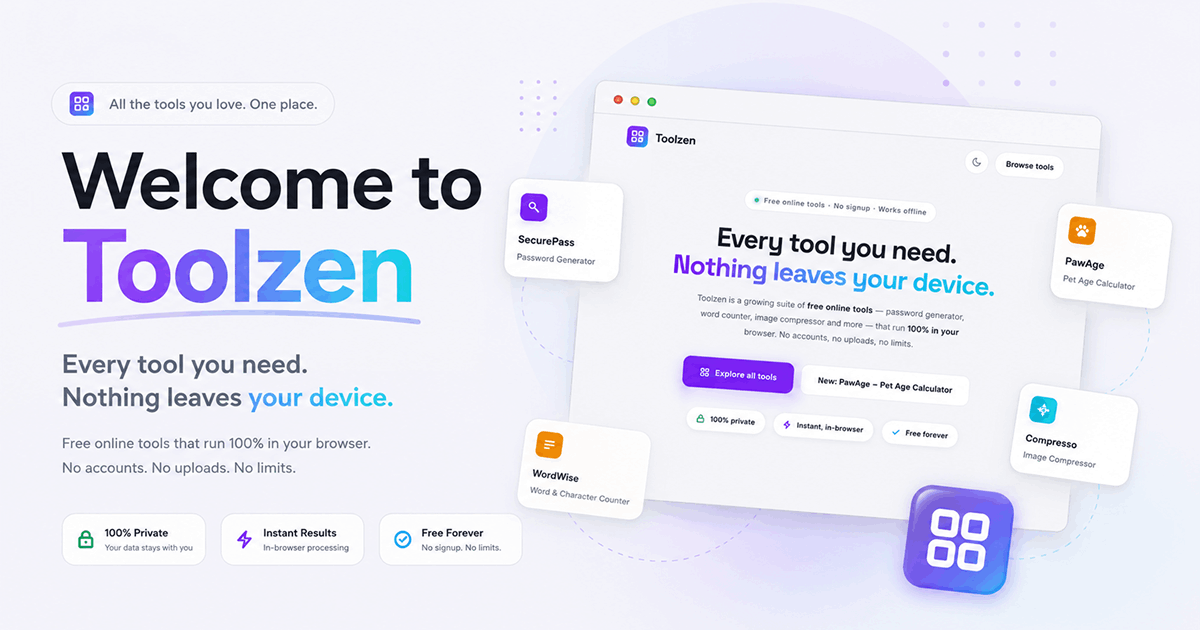
Toolzen started with a simple idea: tools that touch your passwords, your text and your images shouldn't need to upload any of it to a server. Every tool in the suite — SecurePass, WordWise, Compresso, Stampo — runs entirely in your browser.

What you'll find on this blog

This is where we'll write about the practical side of that idea: how to pick a strong password, when a compressed image is "good enough," what actually happens to a file when you "upload" it to a typical web tool, and product notes as new tools ship.

  • Plain-language guides, not marketing copy
  • Honest comparisons with the tools you're probably using today
  • Notes on new Toolzen products as they launch
No signup walls, no fake urgency, no dark patterns. Just useful writing about tools we'd want to read ourselves.

Got a topic you want covered?

Email us at support@toolzen.app — we read everything.

Frequently asked questions

Does Toolzen ever upload my files or passwords to a server?

No. Every Toolzen tool runs 100% client-side in your browser, and this blog explains exactly how and why that works.

How often does Toolzen publish new posts?

New guides and product notes go up as new tools ship or when there's something genuinely useful to explain — no filler content on a fixed schedule.

Ali Aziz
Written by
Founder of Toolzen

Ali builds Toolzen, a family of free browser-based tools that run entirely on your device. He writes about the practical side of what those tools solve: privacy, file formats, passwords, and the everyday tasks the web makes harder than they need to be.

Ad 728×90 / responsive