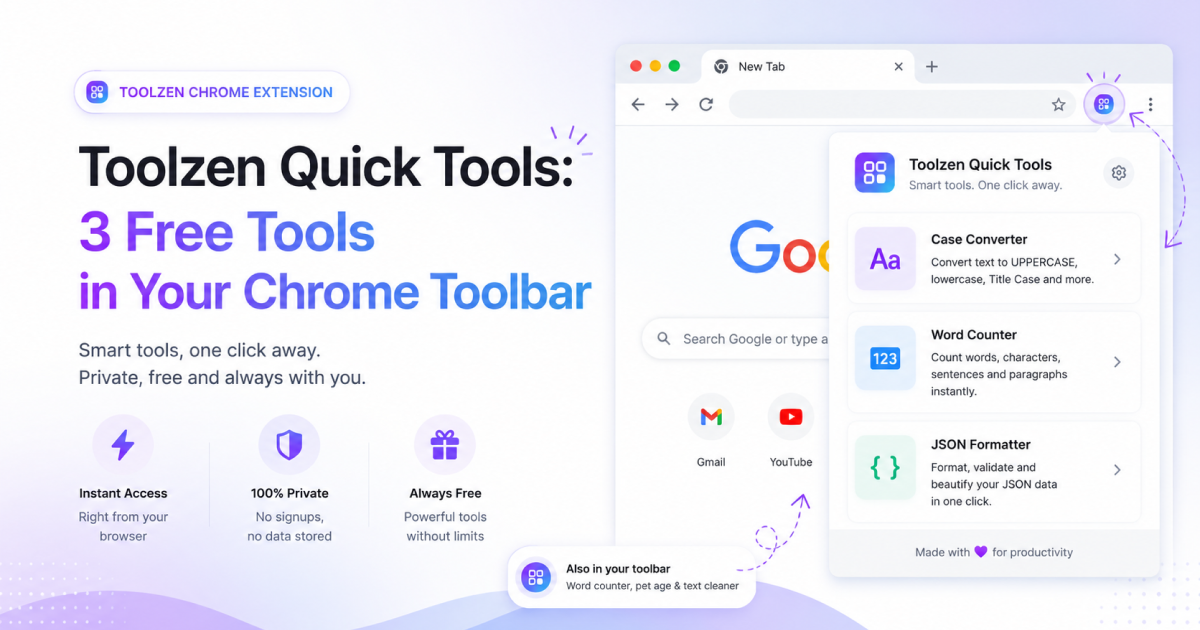
Toolzen Quick Tools is a free Chrome extension that puts three of Toolzen's most-used tools one click away, right in your browser toolbar, so you don't need to open a new tab to count words, check your pet's age, or clean up AI-sounding text.
What's inside
- Word Counter — the same word, character, and sentence counting engine behind WordWise, right in the popup.
- Pet Age — the same breed-size-adjusted dog and cat age formula behind PawAge, without leaving the page you're on.
- Clean Text — the same AI-text cleanup engine behind Humanly: filler-phrase detection, em-dash and curly-quote normalization, emoji and markdown cleanup, all in one popup panel.
Why only these three tools
Toolzen has more than half a dozen tools on the full site, so it's a fair question why the extension only has three. The answer is deliberate: every tool in the extension runs 100% locally, with no network calls and no new permissions beyond remembering your last inputs. Tools like image compression or PDF signing need a full page to work properly and don't fit a small popup — so rather than cram in a worse version of every tool, the extension sticks to a handful that genuinely work better as a one-click popup than a full page visit.
Tools like Compresso (image compression), SecurePass, and the Investo calculators aren't in the extension for the same reason — they either need file uploads, more screen real estate for charts and results, or both, and trying to squeeze them into a 400px popup would make them worse, not more convenient.
Privacy, specifically
- Manifest V3 (Chrome's current, most restrictive extension platform)
- Only one permission requested: local storage, to remember your last tab and inputs between uses
- Zero analytics, zero network requests — nothing you type is ever sent anywhere, by design, not just by policy
How to install it
- Search “Toolzen Quick Tools” in the Chrome Web Store, or use the link below.
- Click Add to Chrome.
- Pin it to your toolbar for one-click access (click the puzzle-piece icon in Chrome's toolbar, then the pin next to Toolzen Quick Tools).
The full site still has more
The extension is a fast companion for quick, everyday checks — the full Toolzen site has the complete versions of these tools plus everything else: SecurePass, Compresso, Stampo, and the Investo investment calculators. Anything that needs more room than a popup, or that benefits from a full page (like comparing multiple results side by side), is worth opening on the site directly.
What's next for the extension
Toolzen Quick Tools launched with Word Counter and Pet Age, with Clean Text added shortly after as a second update — both updates kept the same one-permission, zero-network approach. Future tools will only be added if they can meet that same bar: fully local, genuinely useful as a quick popup check, and no new permissions required. If a tool needs a network call or file access to work properly, it stays a full-site tool instead.
Get it
Toolzen Quick Tools is free, has no ads inside the extension itself, and works entirely offline once installed. Find it on the Chrome Web Store by searching “Toolzen Quick Tools” by dot2shapes.