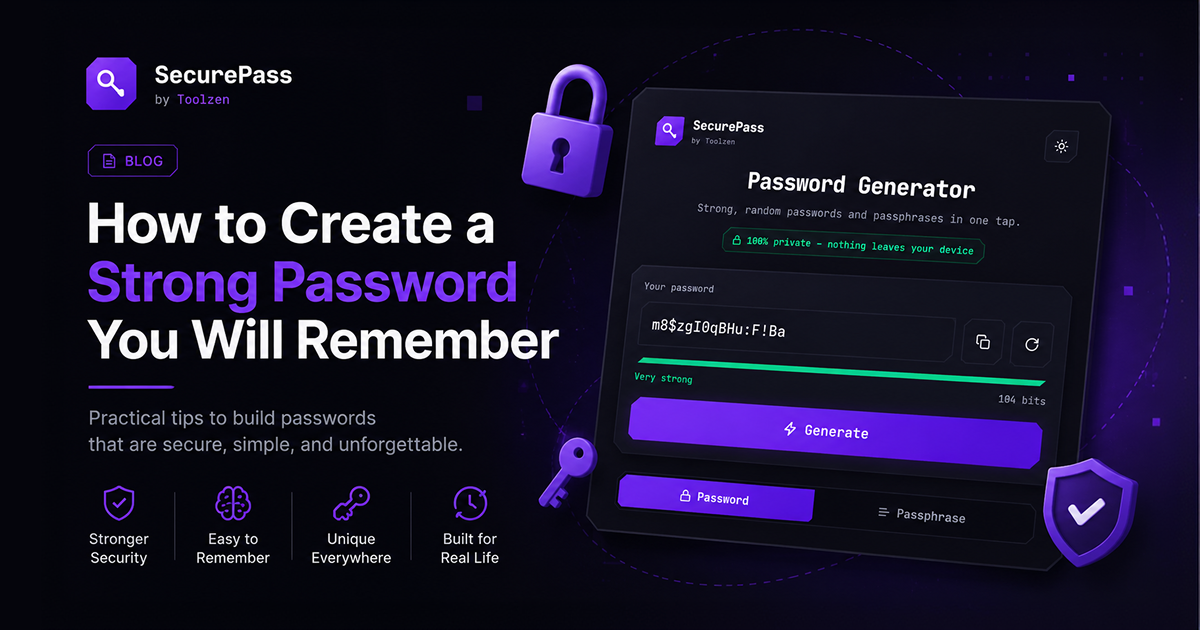
The fastest way to create a strong password is to string together 4-5 random, unrelated words into a passphrase (like correct-horse-battery-staple) or, better, generate one with a tool like SecurePass and save it in a password manager. Length beats complexity: a 16-character passphrase is harder to crack than an 8-character jumble of symbols, and far easier for a human to type.
Why password strength still matters in 2026
Most account breaches don't come from someone guessing your password character by character. They come from credential stuffing: attackers take a list of emails and passwords leaked from one breached site and try the same combination everywhere else. A strong, unique password per site defuses this entirely — even if one site leaks your password, the damage stops there.
The other real threat is brute-force cracking of weak passwords offline, once a hashed password database leaks. Length is what makes this expensive for an attacker. Every extra character multiplies the number of guesses needed, roughly exponentially.
Method 1: the passphrase (best if you're typing it often)
Pick 4 or 5 unrelated words, add a number and a separator, and you get something like Lantern7-Whistle-Orbit-Maple. This is:
- Long enough to resist brute-force guessing
- Easy to remember because it's a short story, not noise
- Fast to type on a phone keyboard, unlike
xK#9!qL2
Avoid quotes, song lyrics, or anything findable in a dictionary of common phrases — the words should be unrelated to each other and to you personally (not your pet's name plus your birth year).
Method 2: the generator (best for anything saved in a password manager)
For accounts you rarely type manually — banking, email, work logins — a fully random string generated by a tool and stored in a password manager is the strongest option, since you never need to remember it at all. SecurePass generates both fully-random passwords and readable passphrases entirely in your browser, with a live strength meter, and nothing you generate is ever sent to a server.
Common mistakes that quietly weaken a password
- Reusing one password everywhere. This is the single biggest real-world risk — one leaked site compromises every other account using the same password.
- Predictable substitutions. Swapping "a" for "@" or adding "!" at the end is expected by cracking tools now; it barely adds strength.
- Personal information. Birthdays, pet names, and addresses are often publicly guessable or scrapeable from social media.
- Short "complex" passwords. An 8-character password with symbols is weaker than a 16-character passphrase with no symbols at all. Length wins.
- Skipping two-factor authentication. A strong password stops most attacks, but 2FA stops the rest — turn it on for email, banking, and anything with recovery access to other accounts.
Try it yourself
Generate a random password or a memorable passphrase with SecurePass — it runs entirely in your browser, so nothing you generate ever touches a server.